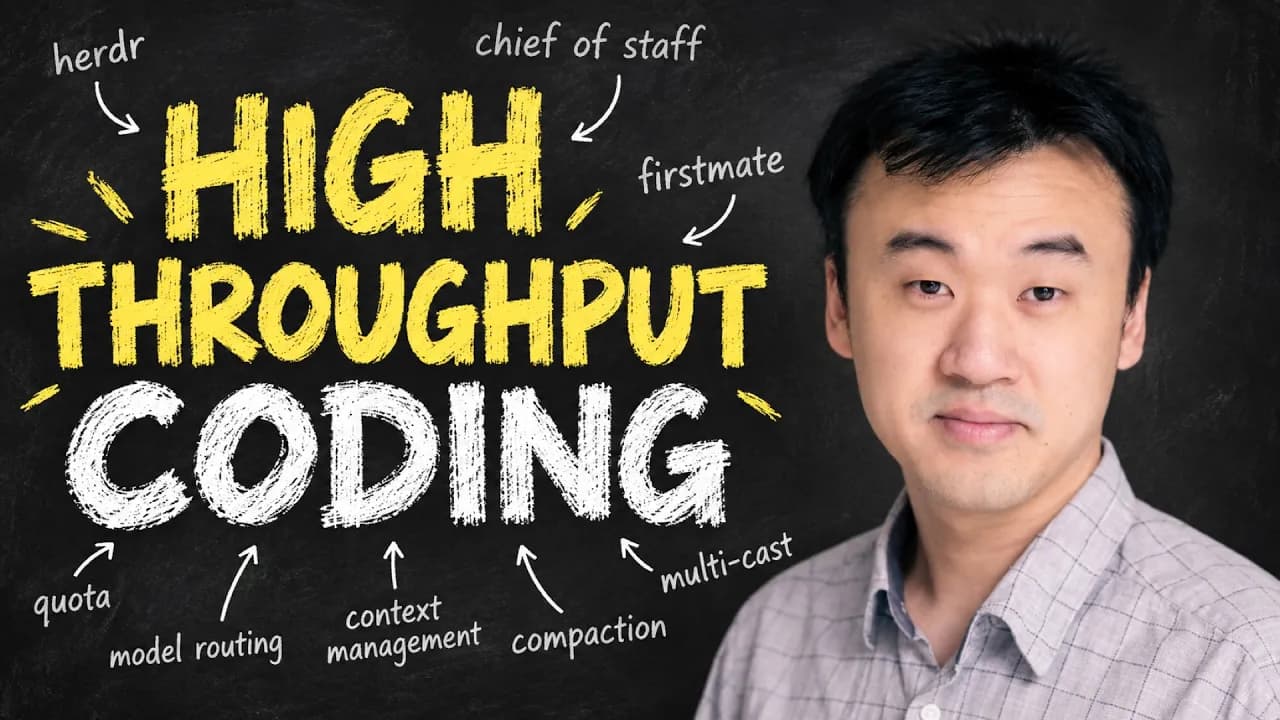
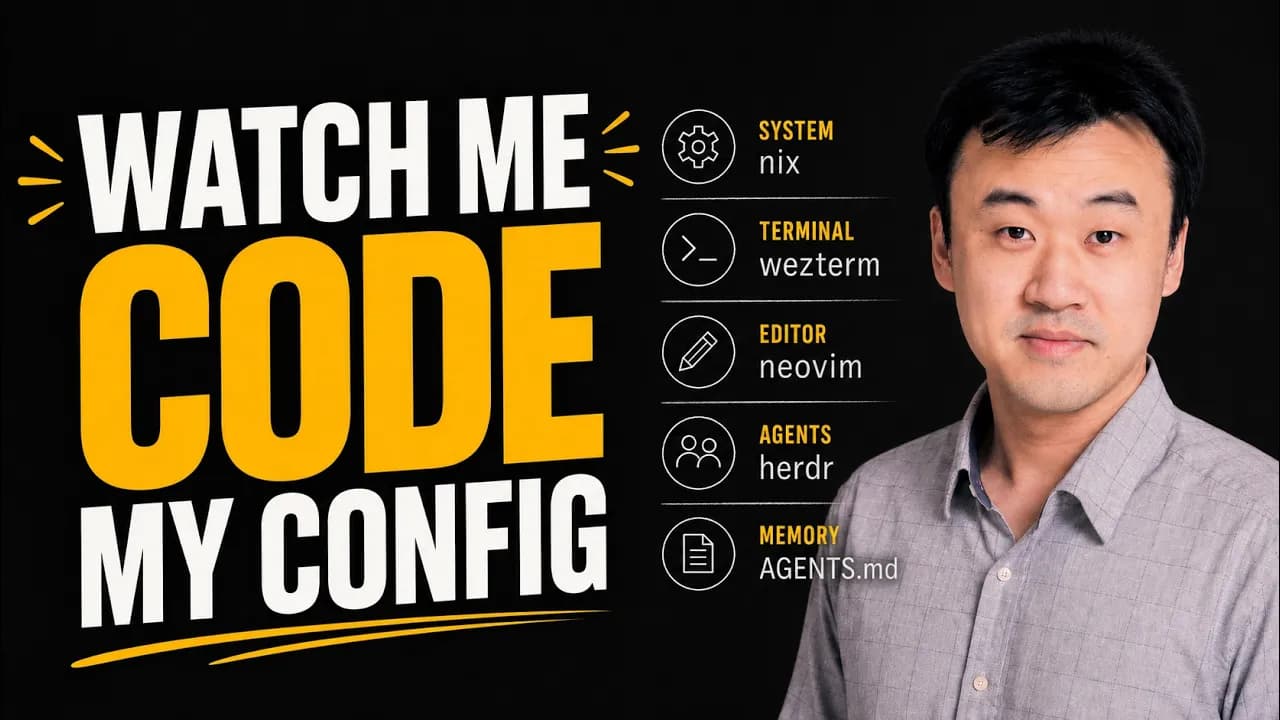
L8 Principal's Agentic Engineering Workflow
In a Nutshell
Kun's workflow turns frontier agents into a scalable engineering crew by onboarding them with persistent memory files plus skills for progressive disclosure, then routing all work through automated pipelines like No Mistakes for testing, review, and PR creation. Parallel execution is handled via git work trees managed by Treehouse, while long-running tasks use Good Night Have Fun and complex planning uses the visual Lavish editor. The final layer is First Mate, which coordinates multiple agents so the engineer shifts from hands-on coding to captain-level direction and quality oversight.
These notes were generated by AI and may contain inaccuracies.
Kun, previously a principal engineer at Meta, Microsoft, and Amazon, worked on large-scale systems including the Bing search engine, Windows, and Facebook games. In recent years, he has been building frontier coding agents at Atlassian and shipping 40 to 50 production-tested agents daily. The workflow focuses on fundamental concepts of agent engineering with real production applicability rather than gimmicks.
The structure covers assembling the ship with core setup, recruiting and ramping up crewmates using memory and skills, working with single and multiple crewmates, and recruiting a first mate to manage overhead.
Everything is done in the terminal to keep hands on the keyboard and maintain flow state. Moving hands to a mouse breaks flow and causes context switching. Terminal applications are designed for keyboard interaction as the primary paradigm, unlike GUI apps.
The same workflow can be maintained across all devices, including phones. The fundamental concepts apply regardless of whether using terminal or GUI-based workflows.
WezTerm is the terminal emulator used, with 26k GitHub stars. It is cross-platform, working identically on Windows, Mac, and Linux. It is highly customizable through Lua scripts that support conditions and dynamic logic.
Configuration is stored in wezterm.lua. Changing settings like color scheme to "chalk" triggers instant hot reload. The preferred color scheme is rose pine moon.
Tmux enables splitting the terminal into multiple panes for running agents, editors, and command execution simultaneously. Multiple tabs (called windows) support parallel agent sessions.
Tmux sessions persist on the server. Detaching and reattaching preserves exact state. The same session can be connected from other devices like laptops or phones. Default tmux requires configuration for the tab bar and metadata display.
Neovim is the text editor used, the modern version of vim. It enables keeping hands on the keyboard with relative line numbers. Navigation uses keyboard shortcuts like 11k to jump 11 lines above the current line.
Plugins provide functionality like Space S for grep search and Space F for finding files by name. Muscle memory enables faster navigation than mouse-based editing.
Four agent harnesses are used regularly:
- Claude Code: The only practical choice for Anthropic subscription users. Has sensible defaults and rich features but can be buggy and less customizable.
- Codex CLI: Written in Rust, smoother than Claude Code, open source for self-inspection of source code. Lacks bells and whistles and customization.
- Pi Coding Agent: Minimal and highly extensible. Good for avoiding bloat and customization.
- Open Code: Smooth TUI with good integration across models. More complete out-of-the-box features than Pi. Model-agnostic.
The workflow is kept agent-agnostic due to rapid landscape changes. Claude Code is used for the video demonstration.
Fresh agent recruits require onboarding through memory files and skills. Global memory files and project-level memory files are used.
The global memory file for Claude Code is at one location, with other agents using standard locations. A symbolic link (ln -s) makes AGENTS.md and CLAUDE.md point to the same file.
The global memory file contains 27 lines of personal preferences loaded into every agent session's system prompt. Content includes:
- Never use em dash; use plain dash instead
- When making technical decisions, don't give too much weight to development cost
- When doing bug fixes, always start with reproducing the bug in an end-to-end setting aligned with user experience
Frontier models estimate development costs based on human training data. Asking about building a 3D first-person shooter game locally with AI enemies yields estimates in days, weeks, or months. However, agents can produce playable versions in minutes.
This mismatch biases models toward cheap, low-quality, non-scalable solutions. The explicit rule corrects this bias by preventing underestimation of AI development speed.
AI models default to writing unit tests, which are often insufficient for guarding product behaviors. End-to-end testing aligned with actual user experience is more reliable.
Project-level memory files are stored as CLAUDE.md or AGENTS.md with symbolic links for cross-agent sharing. The High Bit project example (an AI Twitter app) contains context on project purpose, repo layout, terminology, important component functionality, end-to-end testing procedures, and conventions.
The file represents collective learning from all agent sessions. Content is added by correcting agent mistakes and instructing the agent to store learnings in the memory file. Over time, agents become smarter and more experienced without fancy memory systems.
Conditional information not always needed is moved from memory files into skills to reduce token waste. End-to-end testing instructions are only relevant when agents make changes, not when answering questions.
The Skill Creator skill from Anthropic enables agents to create new skills. Installation uses the npx @anthropic/skills command from Vercel, which supports any agent harness.
Skills use progressive disclosure: only the tiny description field loads into the system prompt initially. The full skill content loads only when the agent decides to use it, preventing token waste on unused content.
Random skills from the internet should be avoided. Skills can instruct agents to run anything on the machine, risking exposure of API keys or bank credentials.
Even popular skills can degrade performance. The Android Skills repo with 177,000 GitHub stars was evaluated with Program Bench and showed 5% more token usage with worse results. The skill was not written by Andrej Karpathy.
GitHub stars indicate popularity, not quality. Skills should only be installed if they have published rigorous evaluations proving their claims.
Voice input has replaced typing for most prompts. Speaking is three times faster than typing according to a Stanford paper. The prompt "explain this repo in a concise way and give me a recap of what the recent PRs have been working on" demonstrates voice usage.
Dario Amodei, CEO of Anthropic, appears in the Stanford paper references from 2016 speech recognition work. Transcription uses Open Super Whisper, a free open-source local Whisper model application.
Typing is reserved for URLs, file paths, or similar content that should not be spoken aloud.
External tool design significantly affects agent performance. Using GitHub MCP server costs three times more in tokens and more than double the latency compared to CLI for identical tasks.
Axi is a set of design standards authored for treating agents as first-class citizens with optimized ergonomics. Ten principles include using token-efficient output formats that save approximately 40% tokens compared to JSON.
Axi implementations for GitHub and Chrome dev tools demonstrate fewer turns and fewer tokens for the same tasks compared to alternatives.
Lavish is a critical tool for planning complex work, accessed via the Axi catalog. The High Bit project (AI Twitter app for kids) has duplicate functionality between "What I Can Do" and "My Progress" buttons with unexciting UI.
The prompt to consolidate buttons into a fun achievement system and discuss options without using Lavish first demonstrates the default workflow: agents produce walls of text that are hard to navigate and reference specifically.
Using Lavish with the same prompt enables better planning through visual or structured representation of options.
Cloud performs the same option exploration as the terminal workflow but launches a browser to display results in the lavish editor instead of printing a wall of text. The name "lavish" was chosen because it is richer than a rich editor; the speaker considered calling it the "filthy rich editor" but rejected that name.
The lavish editor instructs the agent to create an HTML artifact that visualizes the concepts under discussion. It always applies the same design system as the current project, ensuring visual consistency with the actual app. This approach makes it significantly easier to reveal concepts and prototypes compared to reviewing text in the terminal.
Options are laid out visually in the lavish editor, which is much easier to understand than a large wall of text. Users can annotate and add comments on specific parts of the artifacts to provide feedback to the agent, a capability that is difficult to achieve with text walls or markdown files.
At the bottom of the editor are decision options that can be selected by clicking. Feedback can be sent back to the agents directly inside lavish without returning to the terminal. The speaker states they can never return to reading text in the terminal because the visual approach is far more efficient.
After the agent incorporates updates and the user feels satisfied, the instruction "start building" ends the planning session. The agent then begins implementation work because requirements were already clarified during planning. The speaker typically does not interfere during implementation and only returns when the agent reports completion.
When the agent finishes, many engineers open their editor to review the diff. However, because AI generates code so quickly, reviewing every piece creates a personal bottleneck. Velocity becomes hard-capped by review capacity. Reviewing diffs is also not enjoyable; the speaker notes that no one becomes an engineer because they love reviewing diffs.
The recommended mindset shift is to view oneself as an engineering manager or engineering director. Directors influence software quality through culture and processes rather than reviewing every pull request themselves. The same principle applies when working with AI.
Instead of manually reviewing diffs or testing changes, the speaker sends completed work into a pipeline called No Mistakes, which is free and open source. This pipeline orchestrates the agent through a series of steps that transform first-pass code into a clean PR.
The pipeline executes the following sequence:
- Creates a branch if one does not already exist
- Creates a commit
- Processes the change in an isolated work tree so validation does not affect the current repo
- Analyzes the agent session to understand the real intent behind the change
- Rebases the change onto the latest main branch from remote origin and resolves merge conflicts upfront
- Performs an adversarial review in a fresh context window, where most problems are caught; obvious issues are self-corrected while ambiguous product-related issues are escalated to humans for decisions
- Tests the change end-to-end against the original intent and records evidence proving the change works as intended
- Updates all relevant documentation to reflect the latest change
- Ensures no linting problems exist before pushing the branch and raising a PR
The No Mistakes pipeline continues babysitting the PR until it is merged, handling merge conflicts and CI failures that may arise.
No Mistakes can also be triggered as a skill by typing "no mistakes" directly to the agent. Although the pipeline may appear slow, the speaker never watches the screen and instead starts other tasks, returning only when No Mistakes reports that all checks have passed.
The resulting PR summarizes the original intent, what changed, how it was tested, and what occurred during the pipeline run. Evidence from testing can be viewed directly; depending on the change, this may include screenshots, video demos, log files, or other artifacts designed to provide the most direct confirmation that the change works as intended.
The pipeline discovers and fixes some problems before raising the PR. This stage is a good opportunity to audit whether changes match requirements. If anything appears incorrect, the user can return to the agent for additional modifications before merging.
A risk assessment is included in the PR output. The speaker uses this assessment to determine how much time to invest in detailed review. For low-risk changes, the diff is not reviewed at all because prior validation has shown that any problems would likely already be caught by the pipeline. Only higher-risk changes warrant manual review.
This approach enables scaling the volume of code changes performed daily through a large crew of agents without losing quality control. Time is now concentrated at the beginning and end of tasks: planning requirements clearly in lavish at the start, and holding the quality bar at the end. All intermediate work is handled by AI, freeing the engineer to start additional tasks in parallel.
The more time freed in the middle of workflows, the more parallel work becomes possible. This raises the question of how to extend autonomous agent runtime. Longer autonomous operation requires assigning more complex tasks, yet complex tasks are often harder for agents to complete without intervention.
An extreme case is overnight operation during 7–8 hours of sleep. The tool Good Night Have Fun, another free and open source project built specifically for long-running tasks, addresses this need. Usage is simple: provide an objective and the tool continues executing until a defined stop condition is met.
A practical example involves running Good Night Have Fun in the hybrid repo with the prompt: "Pretend you are a seven year old kid and use the high bit app end to end. Don't mind the profile creation step which is designed for parents in the rest of the app. Try to do different things and find the first usability problem that will confuse you as a kid, or stop you from knowing how to proceed. If you find a problem, stop and fix it, then rinse and repeat."
The tool runs in a loop executing the requested objective. Token usage, iteration count (displayed as moons), and commit count can be monitored. The speaker often goes to bed knowing agents will continue until no further problems are found. Upon waking, a list of commits on the new branch can be reviewed to decide which to keep.
Good Night Have Fun is typically used for improving verifiable objectives where the agent can exercise reasonable judgment, such as reducing page load time, improving end-to-end test coverage, or running Android hypothesis auto research by experimenting with different hypotheses to improve a metric. These tasks suit long-running loops.
While Codex and Cloud Code offer a similar slash goal command, Good Night Have Fun provides a better experience because token caps, iteration caps, and stop conditions can be set more precisely. Setting a goal in Cloud Code or Codex before sleeping risks exhausting the weekly quota.
Good Night Have Fun solves the problem of keeping agents running for extended periods, freeing the user to perform other work while agents operate.
When multiple crewmates must work in parallel, additional tabs are opened. However, running multiple agents in the same directory causes conflicts. The default solution is git work tree, which creates a clone of the repository directory.
A work tree is created with the command git work tree add followed by a path. After naming the work tree (for example, "high bit two"), navigation to the separate directory allows an agent to work without conflicting with other running agents.
Work trees create maintenance overhead because the user must remember each work tree's purpose, whether an agent is still running, and other state details. Removing a work tree requires running a remove command, adding further overhead.
Treehouse, another tool built by the speaker, eliminates this overhead. Running Treehouse in a repo drops the user into a fresh work tree. Additional work trees can be created by running Treehouse again. The command Treehouse status lists all work trees and indicates which are in use versus idle.
When finished, closing the tab signals completion, allowing Treehouse to free the work tree for reuse. Subsequent Treehouse requests attempt to reuse idle work trees rather than creating new ones.
With user feedback from a son's playtesting session, three parallel tasks are started using the first worksheet and Cloud:
- Adding a label in the voice input popover explaining that users can press and hold the button
- Adding a screenshot action to the image attachment dropdown menu
- Fixing the agent status bar above the chat input so it always reflects the latest bot activity when bots are in progress
Three sessions now run in parallel. Because each session can be instructed to run No Mistakes after implementation, attention is only needed when the top status bar indicates completion. Keyboard shortcuts enable efficient tab switching.
After managing many parallel sessions, context switching becomes exhausting because the user must constantly recall what each session is doing. This realization led to the need for a first mate who can manage all crewmates.
First Mate is a new free and open source project that serves as the intermediary between the captain and the crew. It is installed by cloning the repository and running an agent inside it. The user then talks to First Mate, which handles any projects the user owns.
During initial setup, First Mate asks for preferences such as how strict code changes should be. Selecting "full gates to PR" configures it to use the No Mistakes pipeline for validation.
An example task given to First Mate is adding an update command to the CLI of three projects (lavish, access, GitHub, Axi, and Chrome dev tools) that updates each project's version to the latest on npm. First Mate recognizes this as three parallel tasks, spins up tabs in tmux, calls Treehouse to create work trees, runs agents in those work trees, executes No Mistakes for validation, and prepares PRs.
First Mate can simultaneously handle other requests such as pulling the three most recent open issues from a repository and discussing which are actionable. In one case, issue 87 ("Don't toggle in annotation mode") was identified as a clear bug and addressed.
First Mate manages the juggling of tasks that the user would otherwise handle manually. Watching First Mate context switch between tasks is satisfying because it offloads that cognitive load. First Mate integrates all previously discussed tools into one cohesive workflow and represents a significant improvement over directly managing every agent session.
After First Mate handles many tasks, the user may run out of ideas for new work. This indicates the bottleneck has shifted and requires the captain to focus energy on understanding what matters through user conversations, competitive landscape analysis, and crafting a good treasure map to guide the crew.
Successfully making this transition moves the engineer from sailor to captain. The overall journey described moves from having no ship to becoming a captain with a first mate and large crew sailing together.
All tools mentioned are available on the speaker's GitHub, linked in the video description. They are free and open source, created to help more people learn agentic engineering effectively and enjoyably. The speaker plans to continue sharing workflow insights on the channel.
Keep Kun Chen in your library
Save the videos and channels worth coming back to, and find them again in one place.