Air Teams: Bring Your Best Agentic Workflows to the Whole Team
In a Nutshell
JetBrains Air Teams gives engineering teams a shared cloud workspace to run, observe, and scale agentic workflows without replacing their preferred AI tools. It turns individual agent sessions into consistent, team-owned automations—such as PR reviews, issue fixes, and doc updates—that any member can trigger and that stay under human review before merging. The platform centralizes control, attribution, and spend while keeping developer choice and quality gates intact.
These notes were generated by AI and may contain inaccuracies.
Engineering leaders are asked to do two things at once. Ship faster with AI, but keep the same quality bar for every change that reaches production. Coding agents make developers more productive, but when everyone uses different tools and personal setups, those gains do not automatically translate into the team shipping more. So what if a team had a shared agentic development environment and everyone could use it? That's why we've built JetBrains Air Teams.
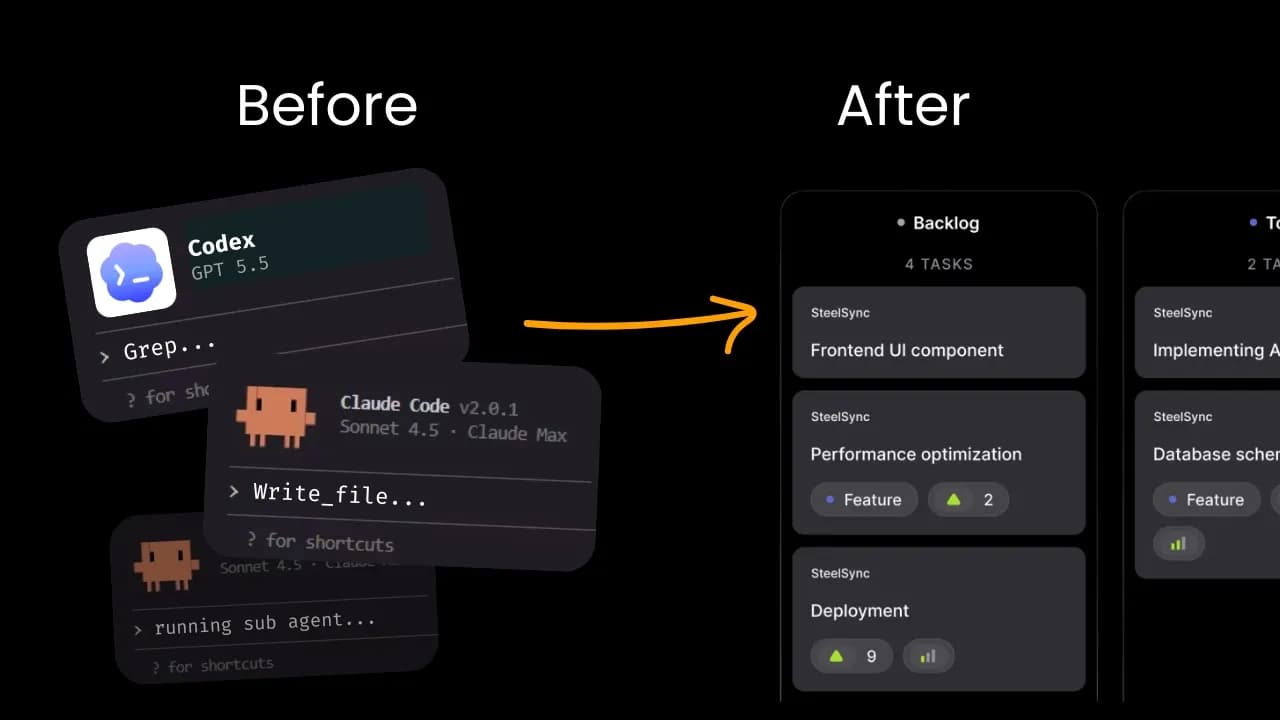
It gives your product development team one shared workspace to set up, run, and review agentic work. It doesn't replace your current AI tools. The team may keep the ones they prefer. Air Teams gives them a shared setup to run agents, review results, and scale what works. A lot of agent sessions still happen locally. This is natural and often the easiest way to get the job done. But when the work outgrows your local setup, you hit a wall. This is where Air Teams backs you up. It provides you with secure, flexible cloud environments for shared tasks, recurring automations, and bold experiments.
The first change is observability. You can see the agent work already happening across your team. Through the team project, the team shares its setup and workflows. Individual work and team-shared automations stay transparently divided. The organization funds and controls AI use in one place. Every run is clearly attributed, so you know where it started and which team it belongs to. With that context, you decide whether to continue as is, choose another agent, adjust instructions, or share the automation with other teams. That context matters for quality too. More output does not help if reviewers have to guess how it was produced. In Air Teams, the task, the agent run, and the results stay together. Reviewers see the shared context and workflow behind each change. And the developer still decides what goes to production.
Shared setup does not mean a single mandatory agent. The organization controls what is available, and developers choose what they prefer. The context, workflows, and controls stay consistent, even if you decide to switch the agent later. Once the team feels confident about the workflow, they are ready to delegate the entire run. In Air, automations start and steer agents, handle the follow-ups, and return results for review.
Let's start with a problem every development team knows: code review. Every team has its own standards, but applying them consistently to every pull request takes time. In Air, the team sets up the review workflow once. The instructions define what context to read, what to check, and what to ignore. The team also decides when the review should run: when a pull request is opened, updated, or moved out of draft. From then on, every pull request follows the same criteria. Air posts a summary and actionable inline findings. When the developer pushes a fix, it reviews the change again. The workflow is shared by the team, but an engineer still decides what gets merged.
But not every useful workflow is universal. Every team has recurring jobs shaped by its own product and processes. At JetBrains, one of ours is called Issue Fixer. A teammate starts it by adding a label to a well-scoped issue. Air gathers the issue and repository context, makes the change in the cloud sandbox, and opens a pull request. One person can delegate the task, and another can inspect the result. And the pull request enters the same review flow.
The point isn't the exact automation. The point is that the team can turn its own processes into a shared workflow. And this goes beyond writing code. After a pull request is merged, another workflow checks the affected READMEs, documentation, and code comments. If something is outdated, it updates only those files and opens a documentation pull request. If everything is still up to date, it creates nothing. Each workflow is configured once, but the whole team can run it. That's the shift: a workflow that lived on one developer's laptop before now becomes something that the whole team can run, validate, and improve.
Air Teams is now rolling out to JetBrains customers. We would love you to give it a try. Start with a team project and invite your colleagues. Learn more at jetbrains.com.
Keep JetBrains in your library
Save the videos and channels worth coming back to, and find them again in one place.