“The Biggest Android Update Ever”
In a Nutshell
Google announced Android 17 with incremental features like expanded autofill from Gmail/Photos/Wallet, creator tools, Smart Enhance for media (visually underwhelming), Pause Point for digital wellbeing, and improved speech-to-text, rolling out first to Samsung Galaxy and Pixel phones this summer. Gemini Intelligence introduces agentic AI for actions like one-click ticket buying (overhyped without verification) and custom widgets, alongside Android Auto's visual redesign, full-screen parked YouTube, and AirDrop support. Google Beam reimagines affordable Chromebooks with AI cursor interactions, premium hardware, and Gemini integrations for a versatile browser/Android app experience.
These notes were generated by AI and may contain inaccuracies.
Google hyped this week's pre-IO Android show as the biggest updates to Android ever. They announced updates from Android 17 to a new Android Auto to Google Beam, not to be confused with Google Books. Coverage includes what's good, what's new, what's meh, and what's overhyped.
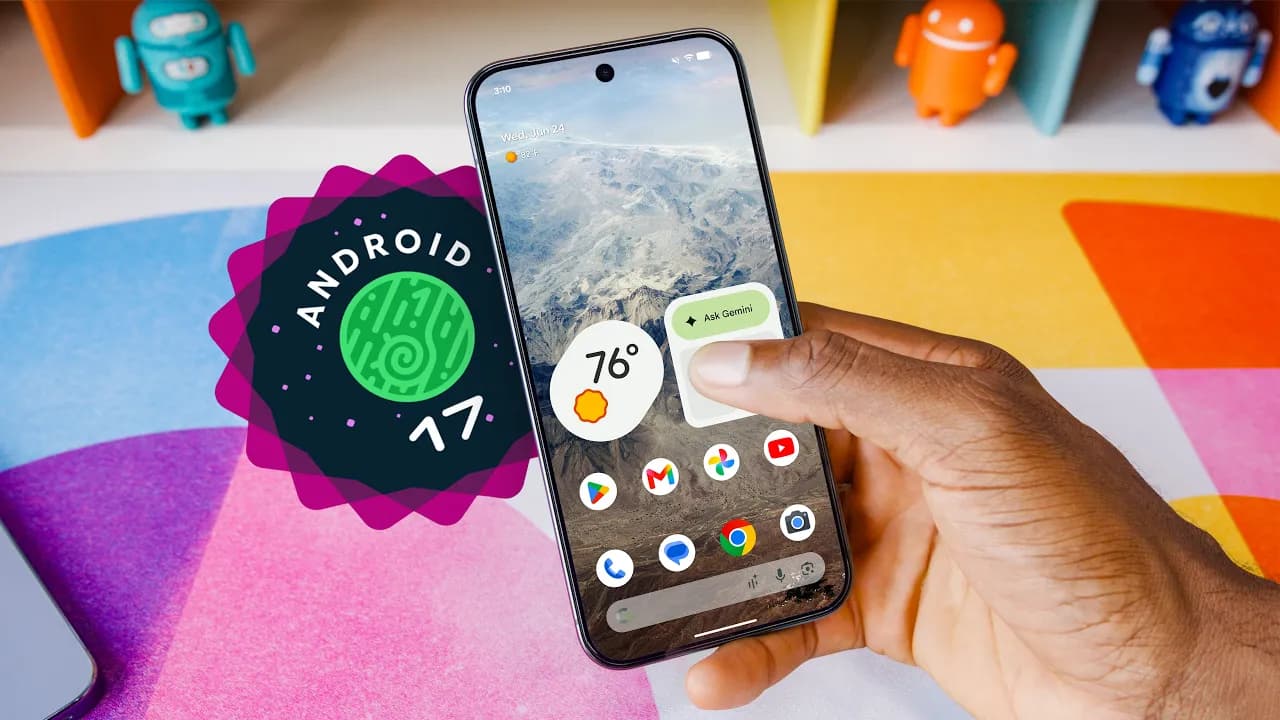
Android updates get smaller and more incremental each year. Android 17 has no visual redesign but added features and Gemini integrations, which Google hypes as making it the biggest update ever.
Gemini interface redesigned to look sparklier but briefly blurred around the edges before sharpening. Labeled as concept UI subject to change.
Autofill expands to parse information from Google services like Gmail, Wallet, Photos. Pulls details like passport number from a photo in Google Photos and pastes it into forms without switching apps.
Built-in creator tools with image processing compatibility matching iPhones, background removal to talk over screen content (popular on Instagram and TikTok).
Smart enhance reveals detail and clarity. Demo showed before/after: brighter image with more shadow/highlight detail but flatter, featureless without contrast or shadows. Looks worse overall, aligns with prior video on smartphone cameras and image processing (linked below).
Pause Point: When opening a time-limited app, pauses and prompts: "Is this how you want to spend your time?" Offers deep breath, alternative apps, swipe through custom photos to "touch grass," shows daily usage. Different from standard screen time limits.
Expanded emojis; improved speech-to-text called Rambler removes filler words (ums, likes) and stitches into coherent thoughts.
Features available first on Samsung Galaxy and Google Pixel phones later this summer.
Gemini Intelligence uses knowledge across system and Google services; agentic, takes actions on behalf. Branded as new intelligence system despite building on existing features. More expected at Google I/O.
Promo video: User photos concert poster, texts friend, Gemini offers "book two floor seats" button, clicks to "buying tickets" then "tickets purchased." Skeptical—won't trust one-click for correct seats, dates, venue, price. Twitter poll: 99/100 replies say no. Google’s Deerbone: More checkout steps not shown in video. Wants verification steps; still a win if simplifies without Ticketmaster site. Currently overhyped advertising.
Create temporary custom widgets via Gemini for trips/events, pulling from services (weather, flights). Choose what to show, discard when done. Strength of Android customization/personalization via natural language, like Google Home automations (e.g., "turn on light and AC when home").
Visual overhaul responds to Apple Maps vs. Google Maps comparisons: modern look, building silhouettes, overpasses, specific lane guidance. App drawer swipe from left, customizable widgets from right. Includes Gemini features.
Adapts to car screen; full-screen HD YouTube videos while parked (e.g., EV charging 30-40 min). Shifts to background audio podcast when driving. Questions: How detects drive (GPS movement?); requires YouTube Premium for background?
AirDrop support from Android to iPhone on new devices. Sarcastic excitement for OnePlus 15 to MacBook Pro.
Google Beam: Updated Chromebooks from HP, Dell, Lenovo, Acer, Asus. Runs browser, tabs, Android apps, Gemini features like custom widgets.
Wiggle cursor for multimodal Gemini portal: Click image to learn more, drag multiple to combine/visualize (e.g., Nano Banana). Click text to draft reply or learn more. Cursor as universal magical interface.
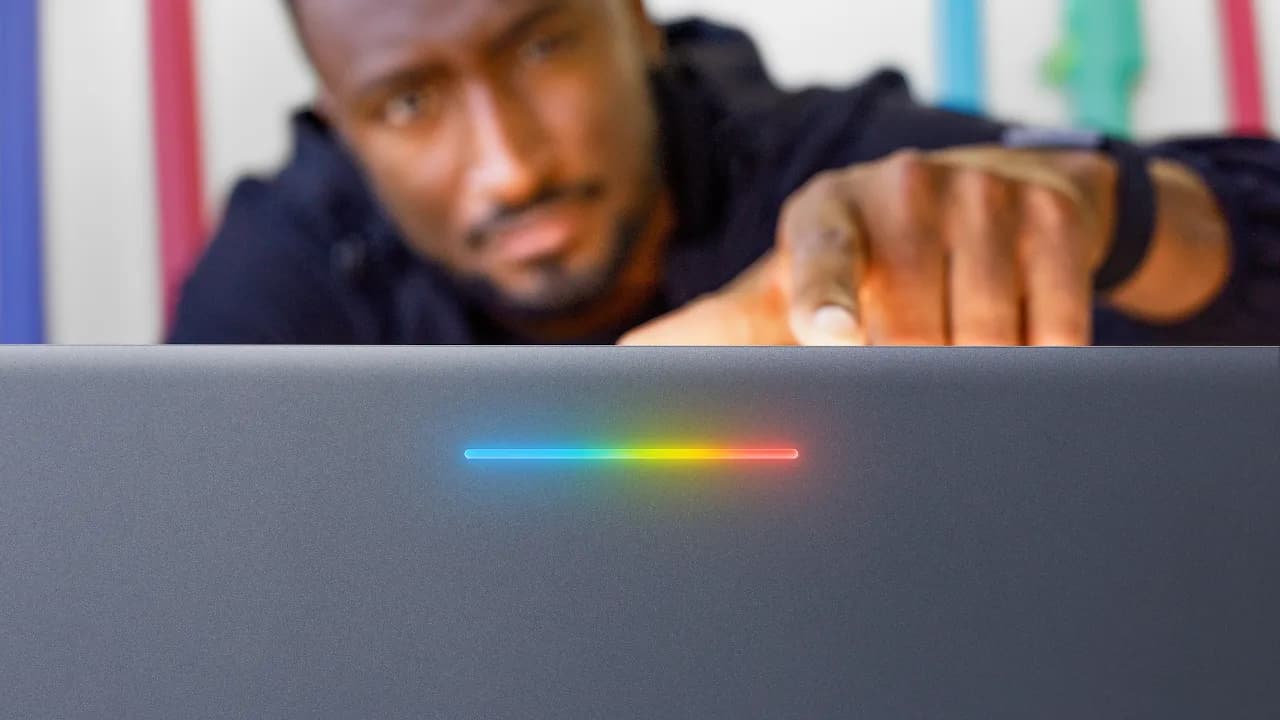
Premium craftsmanship, glow bar (RGB on back, functional but unspecified—e.g., battery indicator?). Hopes under $1,000 to avoid Chromebook Pixel pricing. References CR48.
Excited to test: Smaller features like autofill and Android Auto most convenient; agentic AI needs hands-on. Smaller stuff seems most promising.
Keep Marques Brownlee in your library
Save the videos and channels worth coming back to, and find them again in one place.