What’s New in WebStorm 2026.3: New Frontend Workflow, JetBrains Air in WebStorm, and More
In a Nutshell
WebStorm 2026.3 integrates multiple AI clients that run in parallel within the IDE, allowing users to connect their own providers like Cloud Code or CodeX without needing a JetBrains subscription. New design-to-code workflows include Figma Connect for importing layout details directly to AI, Storybook Connect for browsing and creating component stories, and Chrome DevTools Connect for browser-based debugging. The release improves TypeScript 7 performance, adds initial Vue support, fixes Angular template editing and memory issues, and enhances Vitest 5 and Mocha 12 compatibility.
These notes were generated by AI and may contain inaccuracies.
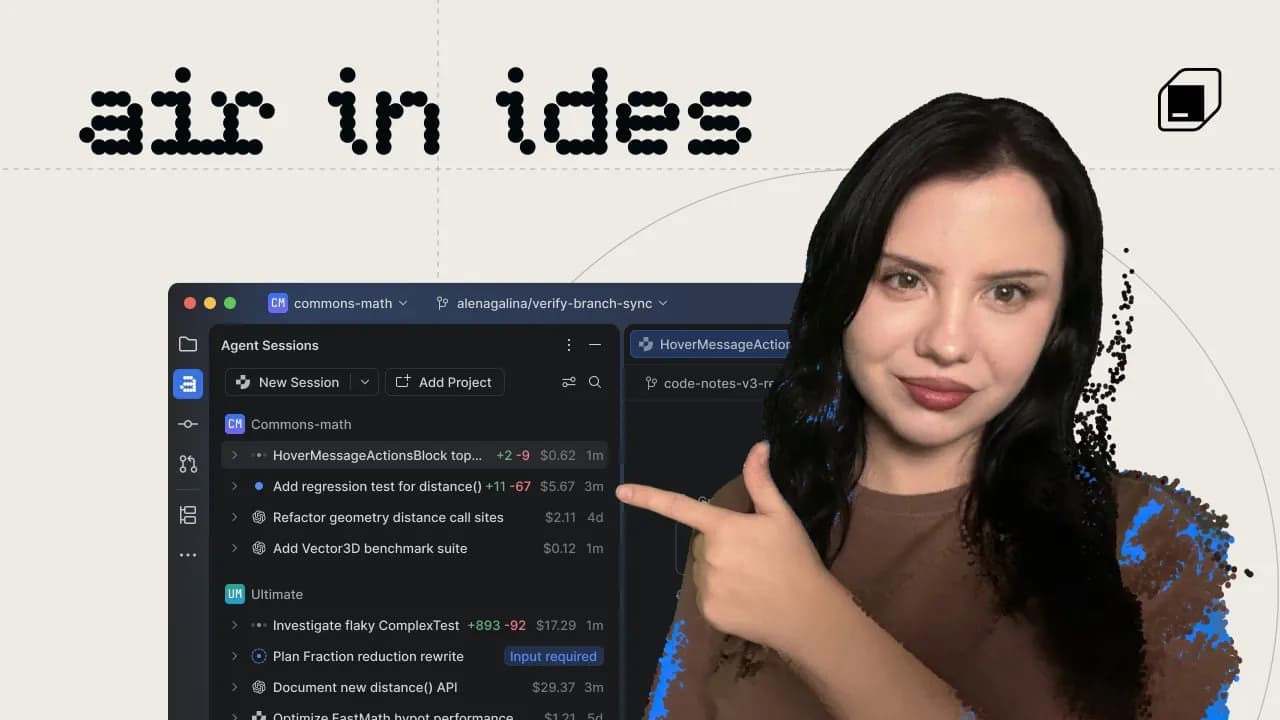
JetBrains AI finds clients already on the device such as Cloud Code, CodeX and Juni, and lets users connect them with one click. Subscriptions and API keys are migrated automatically so a JetBrains AI subscription is not required. Users can switch between providers without leaving the session, using JetBrains AI, OpenAI Key, or any other provider that has been set up. Multiple clients can run directly within WebStorm alongside the actual project. One client can handle restructuring while another deals with a software error, both working in parallel. When finished, changes can be reviewed via diffs and users can determine what will actually be adopted. If a change is not appropriate, it can be rejected outright to maintain control over what is released. A note can be pinned directly to a specific line so that notes remain attached to the code. If no subscription is available, the AI includes Juni Light for free, requiring only a JetBrains account.
Everything also works with artificial intelligence. With Figma Connect, designers send designs and developers can examine details directly within WebStorm. Design context can be sent directly to the programming client, so the client receives the actual layout, colors, and distances rather than a rough description. Storybook Connect allows browsing stories directly within WebStorm without leaving the development environment. Users can go directly from the story to the source component and keep everything connected. Storybook Connect keeps the workflow of components close to the code. A story can be opened to see how the component is displayed, then users can go back to the source when a change is needed. This makes comparing the implementation to the component being built much easier. Storybook Connect can find components that do not yet have stories, identify gaps, and start filling them in directly from the development environment. It can even help create missing stories so the component library remains useful as the codebase grows.
Chrome DevTools Connect allows AI agents to open and interact with the application in a real browser. The agent can click through the interface, examine the console, and reproduce errors instead of guessing from the code alone. Once the agent sees what is actually happening, it can fix the problem and try again. It can check the fix in the browser, not just report that the code has been compiled.
TypeScript 7 is not new in this release, but it has become more useful. WebStorm uses a native TypeScript 7 language service while working on projects. The focus of version 2026.3 is on making the ambient front-end workflow faster and more reliable. Support for TypeScript 7 continues to mature while WebStorm works to improve the experience around projects that rely on it. This means less slowdown and less waiting when working on a large codebase. Initial support for View brings TypeScript-conscious editing to more of the front-end package. Angular is receiving attention including better template writing in WSL and a fix for a TypeScript 7 memory leak that could significantly increase processor usage. Testing receives improved support for Vitest 5. Mocha 12 projects receive the same type of compatibility and reliability improvements. There are also fixes via SAS and CSS. The goal is not to allow artificial intelligence to take over. The goal is to spend less time wrestling with tools and more time building.
This is WebStorm 2026.3. Get the update, try it out, and tell us what you think.
Keep JetBrains in your library
Save the videos and channels worth coming back to, and find them again in one place.