Air in IDEs: Meet Your New Agentic Workflow
In a Nutshell
JetBrains has updated its AI tools so you can run multiple command-line or terminal-based coding agents in parallel across projects, with built-in IDE intelligence for reviewing, refactoring, testing, and debugging their output. The platform is agent-agnostic—you can use JetBrains-supplied proxies or bring your own—and a free trial period lets you test it without consuming external subscriptions. The key benefit is staying in control: you get immediate visibility into what each agent changed and where your attention is needed.
These notes were generated by AI and may contain inaccuracies.
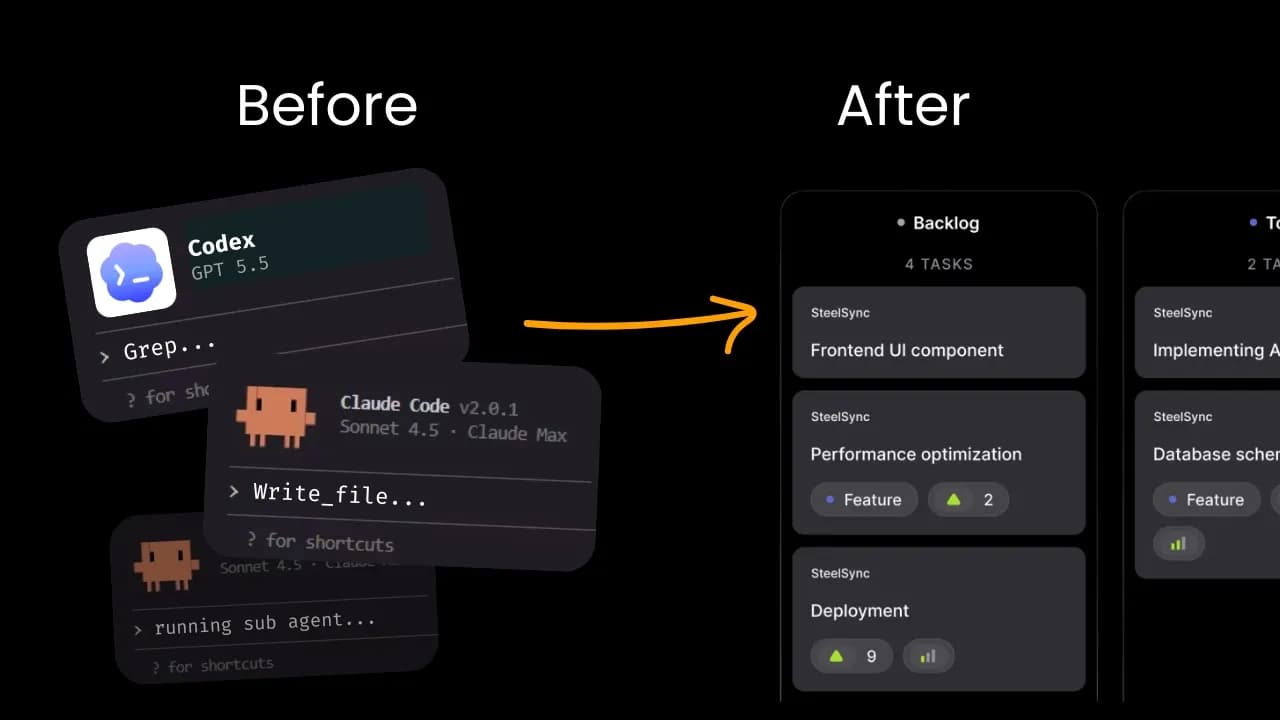
For years, the Integrated Development Environment (IDE) was where you got your work done. Writing code, navigating the project, running tests, debugging, and restructuring. Now, you are no longer the only person who always does the work. Programming agents can take over development tasks while you focus elsewhere. One person might be investigating a bug while another is implementing a feature in a different project. There may already be a third task awaiting your input. This changes what you need from an integrated development environment. You need to know what is working, what needs your attention, and what actually changed when the agent finished his work.
JetBrains AI tools in development environments are designed to perfectly suit this way of working, and we are opening them up for you to try. Using artificial intelligence, you can run your favorite agents in parallel across tasks and projects, keep track of what they are doing, and know when your attention is needed. You don't have to change the way you already work with agents. If you are already using a command-line agent (CLI) on your machine, you can easily integrate it into artificial intelligence. If you prefer working with agents in the terminal, you can continue to do so within your development environment.
Our artificial intelligence is not tied to a single agent or provider. You can use the proxies available through JetBrains AI or link other proxies to their own subscriptions. But there is more to artificial intelligence than just choosing an agent and an interface. Artificial intelligence lives within the development environment, which means the full power of the IDE's intelligence is available to you. When the agent's work returns, it has code-aware tools to navigate, refactor, test, and debug to examine, run, and verify the result.
We have made the proxy and the virtual model free for a limited time, so you can test the AI without using your own subscription. Try artificial intelligence and tell us what you think.
Keep JetBrains in your library
Save the videos and channels worth coming back to, and find them again in one place.