Fitbit Air Ultimate Scientific Review!
In a Nutshell
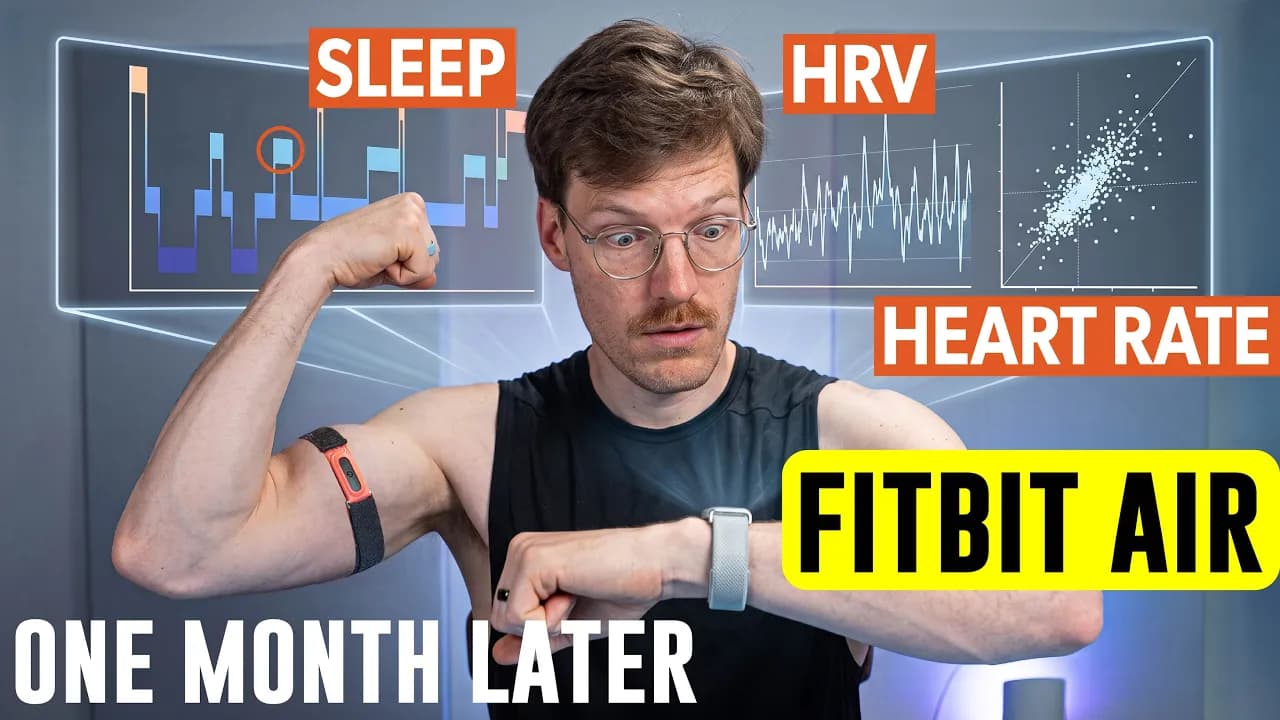
The Fitbit Air delivers excellent heart rate tracking (0.93–0.99 correlation) during cardio and solid sleep-stage accuracy (~80% average sensitivity) using the same 5-year-old sensor as the Inspire 3 and Charge 5/6, thanks to advanced AI processing. It costs $99 one-time versus Whoop’s $199+/yr subscription, offers 7-day battery life, and provides all core metrics without Premium, though its app lacks Whoop’s depth and its coach feature is still maturing. Non-wrist placement, multi-device conflicts, and weaker biking/hiking results are noted limitations.
These notes were generated by AI and may contain inaccuracies.
The $99 Fitbit Air uses the same heart rate sensor as the Fitbit Inspire 3 and Fitbit Charge 5 and 6, some released close to half a decade ago. Google achieved strong results with this older sensor through advanced signal processing and AI. The Fitbit Air has two heart rate measurement modes based on activity level. During exercise, it provides heart rate updates every 1 or 2 seconds. This sampling rate remains consistent regardless of battery level or power mode.
An activity must be performed for at least 10 or 15 minutes before automatic detection and logging occurs, depending on activity type. The 10-15 minute thresholds apply only to automatic detection and logging, not to the higher-frequency heart rate sampling. Manual logging is possible for shorter sessions while still accessing the higher sampling rate data.
The Fitbit Air correctly detected all cardio exercises including bike rides and runs without manual initiation. Non-cardio sessions such as weightlifting were not detected. Google confirmed that supported automatic activity types include biking, spinning, running, walking, and other high heart rate activities.
All core metrics are available for free without requiring a premium subscription. Premium features include Gemini-powered insights, coaching, and the ask coach feature. Insights and messages from the coach apply only to new and future activities after signing up for premium, not retroactively to past data.
If a premium subscription expires, data remains retained and available to view in the app and for export. The underlying data does not disappear, though premium coaching features become unavailable.
At launch, Google Health can import data from Apple Health with proper permissions. Writing data back to Apple Health is not supported at launch, though export support will be added in coming months. Google plans to add support for additional data types including blood pressure and to derive Google Health metrics such as cardio load from third-party data.
Google Health can import full history from Health Connect and up to three months from Apple Health, with plans to extend Apple Health history syncing beyond three months.
When multiple devices record the same metrics, Google Health creates a reconciled stream that prioritizes sources rather than stacking them. The system selects one unified view based on source priority. Users can inspect individual data sources by tapping into a chart and selecting view sources. Source priority reordering will be available soon. Timestamps can cause duplicate entries for session-based items like workouts or meals at launch.
A manual step counter was used to validate 5,000 steps in segments of 1,000. The Fitbit Air overcounted by 12, 10, 3, 15, and 13 steps respectively across segments, averaging roughly 9-10 extra steps per 1,000 or about 1% overcounting. The Pixel Watch 4 showed similar overcounting behavior. The consistency suggests an algorithmic tendency rather than solely multi-device merging issues.
False positive step testing during laptop work and gaming showed only 13 steps counted in the first hour, with zero steps counted in subsequent segments. Extrapolating the 13 steps across a full 24-hour sedentary period would yield approximately 300 false steps per day.
The coach can update workout details from a photo of a log book or gym whiteboard. During testing, data export issues may occur when connecting multiple devices before launch.
Starting a spinning workout showed the Fitbit Air reading 82 BPM while the Pixel Watch 2 read 76 BPM.
Sleep stages and sleep score are calculated in the cloud, requiring an internet connection. A smaller on-device model handles the smart alarm function. The on-device model for smart alarms is likely less accurate than the cloud-based sleep stage tracking.
The Fitbit Air can broadcast heart rate via Bluetooth to compatible equipment and apps. Garmin and Techno Gym are currently not compatible. Strava integration now supports syncing any activity type with or without GPS. Importing exercises logged in Strava into Google Health is not currently supported.
Google does not officially support non-wrist placements such as upper arm or biceps, though this is under consideration. Optical heart rate measurements are typically better on the biceps, but sleep stage tracking tuned for wrist placement may not produce valid results at alternative locations.
Heart rate was compared against an ECG chest strap using the Elite HRV app. Within the 42-60 BPM range, correlation was strong with only minor deviation in the higher portion of that range. Time-series plots showed the Fitbit Air and reference overlapping closely throughout the night.
The Fitbit Air uses RMSSD for heart rate variability, calculated overnight from PPG beat-to-beat intervals using only good quality measurements. The app displays a single morning value in the vitals section. Programmatic API export revealed detailed overnight data. Patterns between Fitbit Air and reference HRV were very similar though absolute values differed, likely due to calculation window differences.
The Fitbit Air only buzzes for low battery alerts and user-configured alarms. It does not support haptic notifications for calls, texts, or app alerts. There is no difference between iOS and Android in this regard. Users can disable all alerts and vibrations or choose between high and low vibration intensity.
The Fitbit Air will receive security updates for at least 2 years after the last unit is officially sold. Coach chat interactions are saved in history view and available for download via takeout. Coach interactions are not used to train models by default; explicit opt-in consent is required for training use.
Heart rate was compared to the Polar H10 chest strap reference. Spinning sessions showed nearly all data points on or near the line of perfect agreement with a correlation of 0.99. One session showed minor early deviation possibly due to warm-up. The Fitbit Air ranks among middle to middle-high performers across tested devices. Devices with correlation of 0.98 or higher include Pixel Watches, Apple Watches, some Huawei devices, and the Amazfit Helio strap on biceps.
Running data also showed points clustered near the line of perfect agreement across the full range, including lower heart rates. Four runs were tested; only the first showed minor deviation. The Fitbit Air performs among the better devices for running, close to the Amazfit Helio strap on wrist. Devices with correlation of 0.95 or higher include Apple Watches, Pixel Watches, and some Huawei devices.
Outdoor biking produced the weakest results among tested activities.
You can bookmark the video with Commander Control D. It does not cost extra and each purchase supports the channel. Specific affiliate links provide the best discount possible, for instance to the Whoop strap. The Google Fitbit Air can be purchased on Amazon, along with the favorite sleep improvement device, the Hleep Pod. YouTube memberships give early access to some videos. Subscribing and liking is appreciated.
The outdoor biking results show a correlation of 0.93. This is not bad compared to the competition but lower than other results. Most points fall below the blue line, sometimes detecting a heart rate that is too low. Some examples were decent with only minor deviation. Other sessions showed the device detecting a way too low heart rate most of the time and missing all peaks. These workouts were actually detected as workouts. Some sessions fell somewhere in between with a little bit of deviation. Overall the performance is still probably good enough. A longer bike ride showed that near the end not all details in heart rate were detected, but overall this would be good enough.
When compared to the competition, the Fitbit Air performs pretty good. It is not amongst the absolute best performers but sits in the second tier. When zooming in on devices with a correlation of 0.9 or higher, it performs about as well as the Amaze Helio strap worn on the wrist, but not quite as good as the Amaze Helio strap worn on the biceps. Apple Watches and Pixel Watches perform better than the Fitbit Air. The better sensor of the Pixel Watch pays off in these comparisons.
For weightlifting, performance is better than expected. The device often detects too low heart rate, indicating it was not able to detect peaks in heart rate during some sets due to tension on the wrist. One session showed it was not able to detect all peaks. The second session was not detected, so that data is missing, but when manually recorded it does detect the workout with some peaks not fully captured. The performance is not terrible and quite acceptable. A bit of a mixed bag between the two exercises.
When compared to all devices tested over the last 365 days, the Fitbit Air sits somewhere in the middle. Interestingly, performance is very close to the Pixel Watches. When compared to the best devices, Apple Watches, some Huawei devices, and the Amaze Helio strap on the biceps perform best. These top performers do not seem to change. A biceps band for the Fitbit Air would be exciting.
An additional exercise not in normal testing looked horrible for some reason. The hiking results are way off. The device detected a wrong heart rate, shooting detected heart rate up to 170 BPM while descending or on flats when actual heart rate was around 80 BPM, essentially detecting close to double the actual heart rate. This may have been due to poor positioning. This is really an outlier and should not be taken as a totally bad sign, though it is surprising that this happened.
For all regular cardio exercises tested extensively, the Fitbit Air did an amazing job. The hiking result is an outlier and weird. For all other testing it performed really well, especially for the price.
The overall heart rate score is 96.5, rounded to 97. This is the average correlation over the three cardio exercises times 100. A score of 97 gives the Fitbit Air an overall rating of great. This is pretty amazing for such a cheap device with a quite old sensor. This makes the performance with a biceps band even more interesting for a future video.
Google recently updated their sleep stage tracking. Previous testing on the Pixel Watch hinted at a slight improvement in performance. The question is whether similar great results will appear with the older sensor of the Fitbit Air. The reference device is the Zmax EG headband, which is specifically designed for sleep stage tracking and can measure brain waves. It is the silver standard, not perfect but good enough for this type of testing.
Deep sleep agreement is really good at about 87% agreement. Light sleep agreement is also good at about 80% agreement. REM sleep agreement is the worst out of all of them but still pretty good at 72%. These values would be perfect if they were 100%, but this is already some of the best performance seen out of any device.
In one example night, deep sleep shows really nice agreement, almost perfect for the first segment. The Fitbit Air detected a bit of extra deep sleep that was not detected by the reference, but it is still pretty good. For REM sleep, the segment placement agrees almost perfectly. There are four main segments with some weirdness in between, and all four main segments were also detected by the Fitbit Air, though one was a bit shifted. Otherwise the agreement looks really good.
When comparing performance to the competition, the average sensitivity over the three sleep stages is shown on the horizontal axis and the worst sensitivity on the vertical axis. The worst out of the three is taken because the device should be good at every sleep stage. The further to the top right the device is, the better its agreement with the reference. The Fitbit Air is really amongst the top performers and super close to testing of the Pixel Watch with the new algorithm. This seems to be a bit better than the old algorithm. Overall there is really good performance and the device is amongst the top five brands.
The top five brands in testing and some scientific literature are Google/Fitbit, Apple Watch, Whoop Strap, Oura Ring, and the Hleep Pod. Any of these devices can be recommended for tracking sleep stages. They will not be perfect, but they will be the best options out there. The Fitbit Air is the cheapest by far, making it a really good option. The premium subscription is not needed to get sleep stage tracking.
If more money is available and sleep improvement is desired, the Hleep Pod is recommended. It is the favorite sleep improvement device. Sleep is much better because of it. It would not be purchased just for the sleep stage tracking. It is not a device that is worn. It goes around the mattress and includes a blanket if wanted. These can be cooled and heated on each side independently. The main struggle is staying at the good temperature, especially in the summer. This has been a godsend. Partners can always set their temperature a bit higher because the preference is to sleep cool. An affiliate link provides the best discount possible and supports the channel.
The Fitbit Air seems to be an amazing sleep stage tracker for the price and in general actually. This is an initial test over just a few nights. Some nights had to be excluded because for the reference device the battery was swelling, so the data quality was not so good. Since this improved performance of the Fitbit algorithm is replicable over two devices, confidence is high that it is a solid algorithm. Great performance for the Fitbit Air also for sleep stage tracking. It is solidly part of the top five brands. This confirms that the algorithms matter more than the sensors for the sleep stages since the cheap Fitbit Air performed more or less identically to the much more expensive Pixel Watch 4 with newer and better hardware.
The sleep stage tracking average sensitivity was about 80%, which means a score of 80. This falls into the category of great sleep stage tracking. This is the average over the three stages.
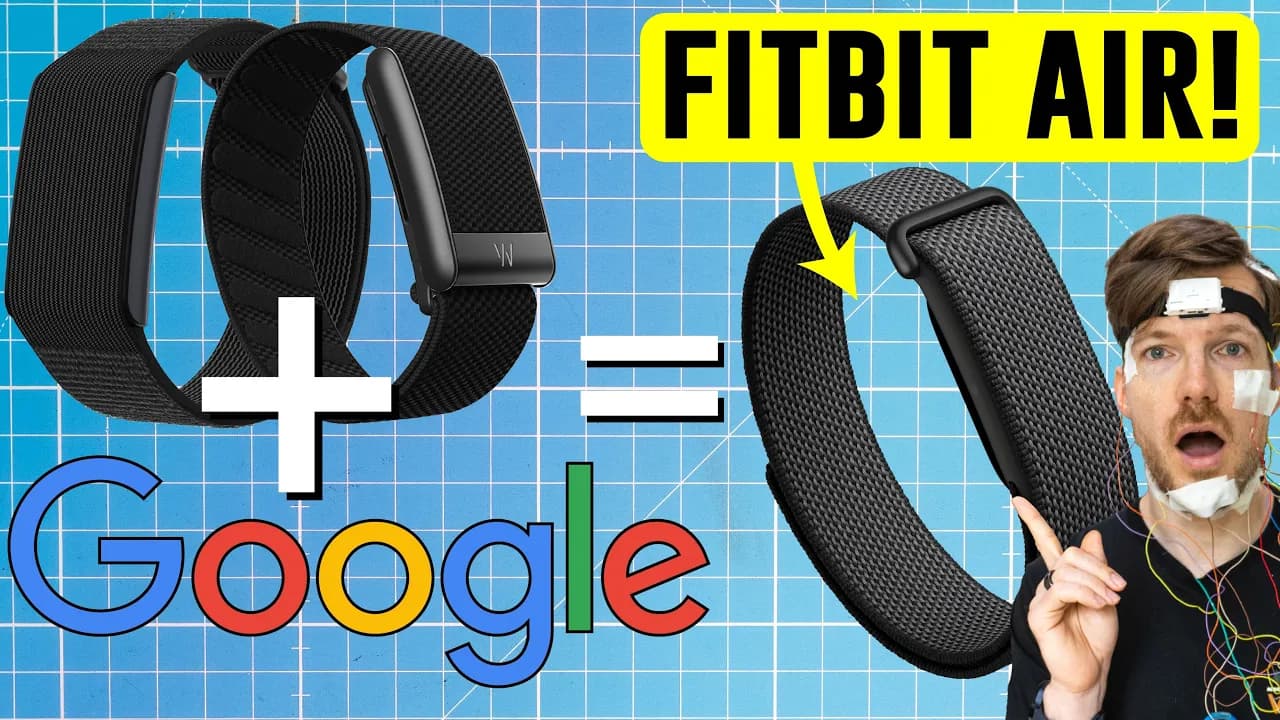
A natural comparison to the Fitbit Air is the Whoop strap, another screenless device with good sleep stage tracking. The Fitbit Air has a battery life of 7 days, whereas the Whoop Strap has roughly double that at 14 days. This more or less matches the experience. Battery life would for many people not be the deciding factor.
One important difference that speaks for the Fitbit Air is the price difference. If basic metrics are wanted, the basic Whoop model is $199 a year, whereas the Fitbit Air is just $99 one time. A Whoop can probably be gotten a bit cheaper if bought during Black Friday, but it is still more expensive. Things get more complicated if premium features are wanted for both because that involves getting Google Health Premium at $100 a year on top. For Whoop, Whoop Peak would probably be recommended, which is $239 a year. The device is then free or included. If a lifespan of just 2 years is expected for devices, which is not recommended, they are not that far off. Even in that case, the Fitbit is still cheaper.
Ignoring price and battery life and just looking at the features and what they can do and how they perform, the Fitbit Air and the Whoop strap appeal to different audiences. Some people will switch now from Whoop to Fitbit Air because it just was not available before. There are quite some advantages to Whoop over the Fitbit Air. At the moment, if money is not an object, the Whoop app is still preferred over the Google Health Coach. This is somewhat personal, but the textual part, so the amount of text shown on the screen for the Google Health app, is just a bit too dominant. Graphs and numbers are preferred always being front and center. More data up front is wanted, and only if something is clicked on or expanded, then more text explaining things is received. At the moment the home screen is just too filled with data.
The coach is nice, but when trying to talk about the coach about marathon plans, it was realized that probably specific tasks like a training plan for a marathon are better suited by a specialized model and app. This sort of more generalized AI still makes too many mistakes or weird decisions that do not really fit a proper marathon plan. The technology will get there over time, but it is just not quite there yet. It is better than nothing and not saying it is not useful, just that there are better options. There are other alternatives out there as well.
Overall, if sticking with the basic app without the coach, the Google Health app plus Air is an amazing deal and an instant recommendation. Only if wanting to go to that bit more of a higher level and being a sort of serious amateur athlete, Whoop might be beneficial. Whoop would still be chosen at the moment over Fitbit Air if price is not an option. More on that will be covered in a dedicated video.
Just looking at the overall performance of the Fitbit Air, it did an amazing job. The heart rate score was 97 which classifies it as great heart rate tracking. The sleep score was 80 which also classifies it as a great sleep stage tracker. Overall just topnotch performance in testing.
Before closing off, the two exercises started on both the Pixel Watch and the Fitbit Air are examined to see which data was contributed and if they somehow conflict with each other. When stopping the exercise and workout and saving, it tracked on the Pixel Watch 2 in both cases. It is classified as spinning and is 43 minutes. The source was the optical heart rate sensor of the wearable device. This feature must not yet be available on the current version of the pre-release app. Something else to include in the future long-term review. Google was asked about this, but for now this does not seem to work or for some reason still always prioritizes the watch over the band. The watch will have to be removed from the app again to make sure all long-term testing is correct as well. Stay tuned for that video. This was already quite in-depth testing.
If deciding to get a Fitbit Air and wanting to support the channel, use the Amazon affiliate link. If deciding to try another device like a Whoop strap, an Oura Ring, or the Hleep Pod, affiliate links are available. Using the general Amazon affiliate link for anything purchased on Amazon also helps. Given that the video was watched on the Google Fitbit Air, the video on the Whoop strap or the video on the Hleep Pod may be liked.
Keep The Quantified Scientist in your library
Save the videos and channels worth coming back to, and find them again in one place.