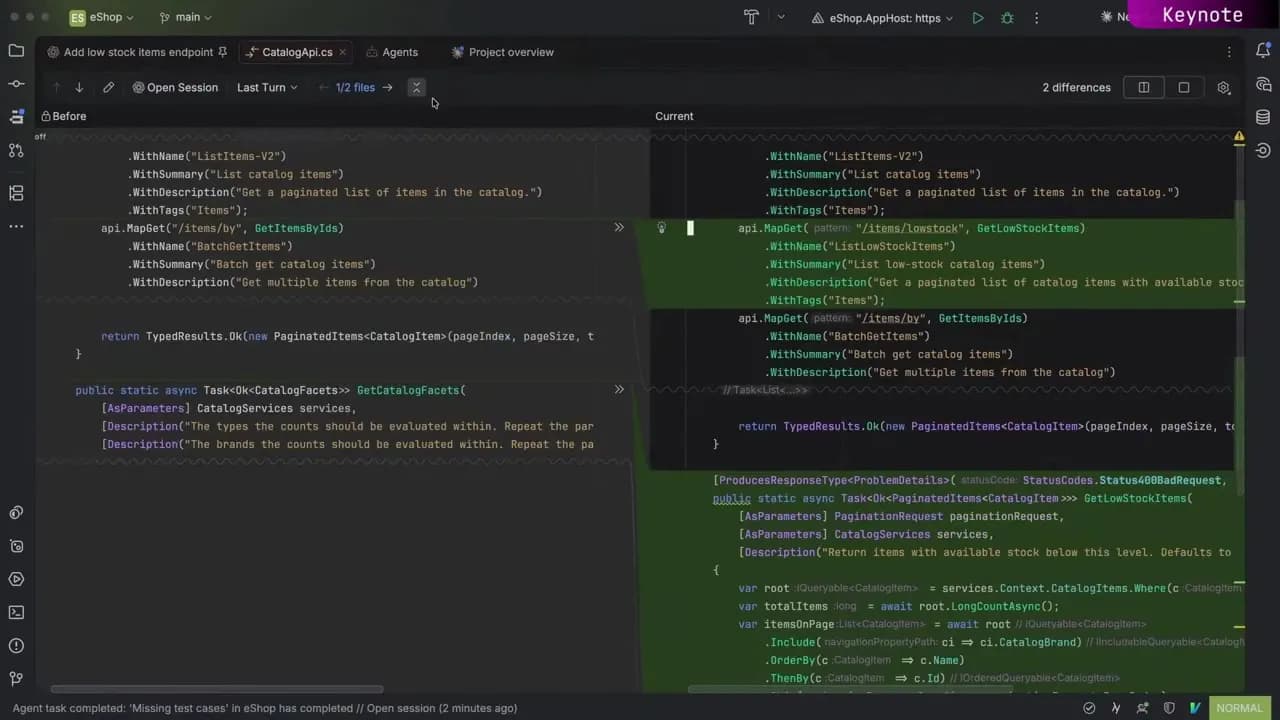
GitHub Copilot agent now natively integrated in Rider
In a Nutshell
GitHub Copilot is now natively integrated into JetBrains Rider 26.2—no extra extensions needed. Users access it through the AI chat window, authenticate via GitHub, and can attach context, choose modes (agent/plan/autopilot), pick models, and use slash commands or install custom skills.
These notes were generated by AI and may contain inaccuracies.
GitHub Copilot is now a natively integrated agent in JetBrains Rider. To access it, all you have to do is go to the AI chat window, and if the AI assistant is not installed yet, click install plugin. Once you do that, it will ask you to restart Rider. And once Rider is restarted, you can see the AI chat window is populated, and you can go down and see the list of agents, and you can see that GitHub Copilot is enabled. And once you've had it enabled, you'll need to authenticate. So the first prompt that you submit, it'll ask you to sign in with your GitHub account. And after that, it'll start processing the prompt that you provided.
You'll also have the ability to add additional context via an attachment. You can provide images or link specific files or folders. You'll also have the ability to select what modes you'd like to run, agent, plan, or autopilot. Additionally, you have the ability to auto-approve all prompts, as well as provide additional context from the IDE. Finally, you have the ability to select what model you'd like to run, as well as the level of reasoning you would have.
Once you've selected the model and reasoning of your choice, you can then provide your prompt. You have access to slash commands that are built into the AI assistant, as well as GitHub Copilot, for instance, the /chronicle command. To see a list of all of the available '/' commands, you just type the '/' into your prompt, and you can see all of the enabled slash commands that are available for that particular agent.
You also have the ability to install and use custom skills. From the settings tab, just go to the skill that you'd like to use and click install. After that, you can go back to your agent assistant, and you can see it in the list of available skills. This integration is available in JetBrains Rider 26.2. No additional extensions required or complicated setup. Just available right out of the box.
Keep JetBrains in your library
Save the videos and channels worth coming back to, and find them again in one place.