Macbook PROLED XDR Impressions: They Said They Wouldn't!
In a Nutshell
Apple's new MacBook Pro adds a touchscreen to the 14/16-inch models with M5 chips, tandem OLED ProLed XDR displays delivering 10M:1 contrast, and a Dynamic Island, while reducing weight by 0.5-1 pound. The touchscreen supports multi-touch gestures and iPad-like window management but faces the same ergonomic issues Steve Jobs cited—arm fatigue, display wobble, and limited software optimization. The OLED display quality, thinner bezels, and weight savings are the meaningful upgrades, while the touchscreen remains an optional feature that doesn't fundamentally change the MacBook Pro experience.
These notes were generated by AI and may contain inaccuracies.
Years of Apple user testing showed that vertical touch surfaces cause fatigue. Arms tire and eventually feel like they want to fall off. The surfaces may work in short demos but fail during extended use.
Apple unveiled a new MacBook Pro featuring a touchscreen, described as more than just a touchscreen addition. The device is thinner, lighter, and starts at $2,900. The new display is the main highlight.
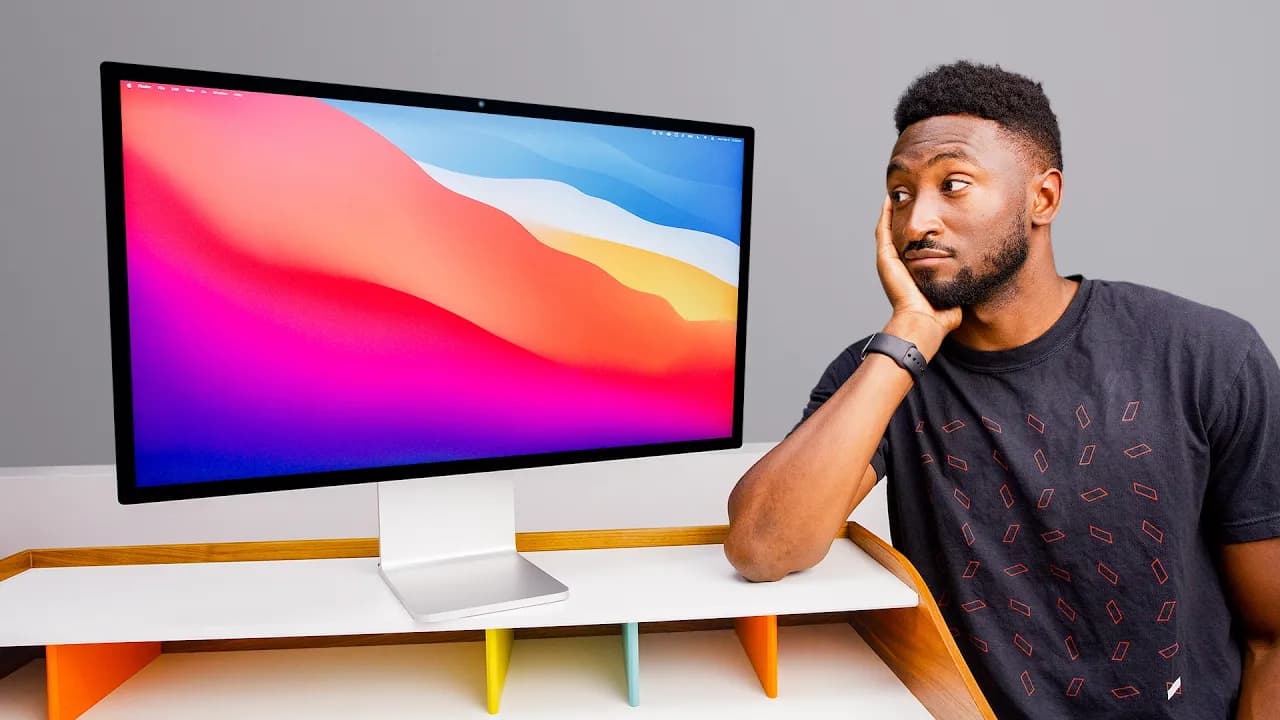
The display maintains 14-inch and 16-inch sizes but uses tandem OLED technology. It achieves a 10 million to 1 contrast ratio with pitch blacks and reduced blooming compared to previous mini-LED displays. HDR content performs exceptionally well. The bezels are thinner, making the display area slightly larger, and the bottom corners of the display are curved.
The speakers have been updated for better performance when the lid is closed and deeper bass. The laptops are lighter due to the OLED display and redesigned cooling system. The 14-inch model weighs 3 pounds instead of 3.5 pounds, while the 16-inch model is nearly a pound lighter.
A dynamic island replaces the notch at the top of the display, containing only a webcam and ambient light sensor without Face ID. The device is named MacBook Pro with ProLed XDR display. Both glossy and matte nano-texture display options are available.
The rest of the MacBook Pro retains the same design, ports, keyboard, battery life, M5 Pro and M5 Max chips, and Touch ID fingerprint reader. The glowing Apple logo has returned on the back with metallic reflective appearance when off. The logo brightness matches the display brightness, dimming in low-light environments and brightening in well-lit spaces.
Implementing the glowing logo with OLED required additional engineering since there's no backlight. Previously, a hole in the back allowed the backlight to shine through. The new implementation uses extra components and consumes additional battery power.
Current MacBook Pro users didn't rank touchscreen as a high priority. OLED displays were anticipated, and Face ID was expected but not included. Touchscreen laptops have been tested extensively, with users typically forgetting about the feature and avoiding it due to fingerprint concerns, display wobble, and arm fatigue.
Apple typically joins late with existing technologies and refines them. The question is whether Apple's touchscreen implementation solves problems that previous attempts haven't addressed. After brief hands-on testing, the touchscreen is responsive with working multi-touch gestures including four-finger swipes for space navigation.
Spotlight and Siri can be activated by swiping down from the dynamic island. Window management supports iPad-like gestures for splitting screens. Small touch targets like window controls are magnified before selection to improve accuracy.
The hinge has been adjusted to be slightly stiffer in the middle but remains limited by physics constraints. The display still wobbles when touched or pressed. No Apple Pencil support is available.
At the event, professional demonstrations showed occasional touchscreen use for tasks like virtual keyboard input in Logic, 3D model manipulation, and Gaussian splat navigation. However, most Mac applications are developed primarily for keyboard and trackpad interaction since the majority of Macs lack touchscreens.
Xcode iPhone simulator interaction represents one potentially useful touchscreen application where direct finger input on the simulated device makes sense.
The famous statement about touch surfaces giving great demos but being ergonomically problematic continues to apply. The implementation works well in controlled demonstrations like the glowing wall of instruments but doesn't fundamentally change the MacBook Pro design.
The touchscreen MacBook Pro represents an optional feature rather than a core redesign. The device maintains the same weight and battery characteristics as the non-touchscreen version. This approach aligns with the pattern seen in the iPhone Duo, where new features are added as options rather than complete product overhauls.
The OLED display quality and weight reduction are more compelling reasons for upgrade than the touchscreen feature. Comparison testing against new RTX Spark laptops and the Surface Ultra touchscreen matte black laptop is planned.
Keep Marques Brownlee in your library
Save the videos and channels worth coming back to, and find them again in one place.