Hand off coding tasks to cloud agents in JetBrains Air
In a Nutshell
JetBrains Air lets you hand coding tasks to cloud agents that run independently while you step away. The agent gets a prepared environment with the right repo, dependencies, and IDE tools, then commits changes to a dedicated branch for review. You can monitor progress, steer the agent mid-task, and create pull requests once it finishes.
These notes were generated by AI and may contain inaccuracies.
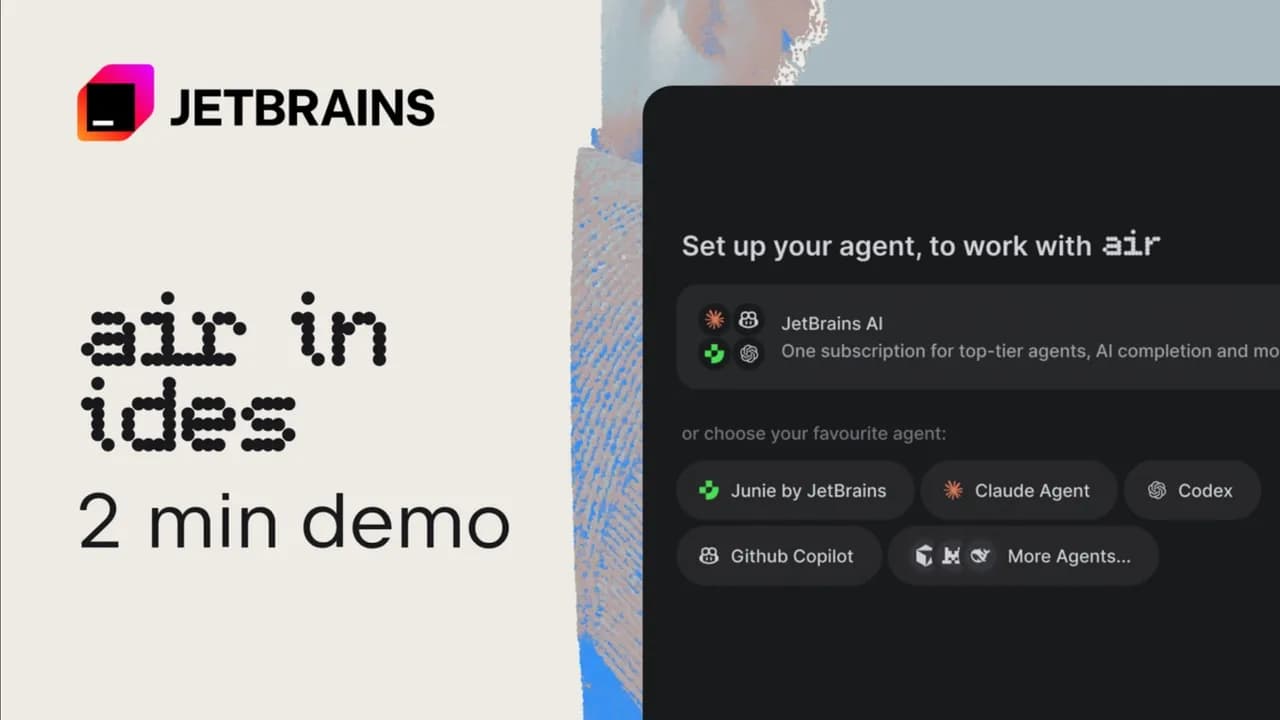
I'll show you how to hand a coding task to an agent in the cloud, so you can focus on something else or step away while it works. Let's try it with Air. I'll use a focused task from our codebase: adding remote session logs to the Collect Logs section. Bug fixes, planned features, test coverage, and repository research can also work well here. We'll review the agent's changes when it's done. I'm starting in IntelliJ IDEA, where I already have the code context.
I choose Cloud, select the environment prepared for this repository, and pick the branch the agent should start from. I can also choose the agent, model, and permissions for this task. I'll give the agent a useful starting point instead of asking it to search blindly. I'm pointing it to RemoteAcpLogsDownloader, mentioning the .airsession archive, and asking it to run the relevant tests when it's done. Once I send the task, Air starts a virtual machine for it.
This environment restores a prepared filesystem snapshot, updates the repository to the branch I selected, runs the setup script, and then starts the agent. So the agent gets the repository, dependencies, and tools it needs before it begins the actual work. At this point, my laptop is no longer part of the execution path. I can close the IDE or close the laptop completely, and the task keeps running. I can open the same task on the desktop, in the browser, or on the mobile, and Air can notify me if the agent needs input.
Now I switch to the browser. Here, the agent is finding the existing .airsession handling, reading the reference implementation, and working out where the new behavior belongs. This environment also exposes IntelliJ as an MCP server, so the agent can use IDE-aware search and inspection while it works. As soon as there are changes, I can inspect them in Air. I can see which files changed, read the diff, and follow the checks the agent has run. I don't have to wait until the very end to understand what it's doing.
And if the agent is stuck or needs additional steering, I can easily unblock it on the go. For example, I'll direct it to work on the Copy Session Log action. It already has the context, so I don't need to start again. When the task finishes, Air commits the result to a dedicated branch. For a GitHub-backed project, I can create a pull request from here. Otherwise, I can check out the branch and use the repository's normal review flow.
Either way, I still review and test the change before merging it. That's it. To try a cloud task in your organization, choose Cloud and one of your team's environments. Then start with one well-scoped change. Give the agent the relevant context, say what result you expect, and explain how it should verify the work.
Keep JetBrains in your library
Save the videos and channels worth coming back to, and find them again in one place.